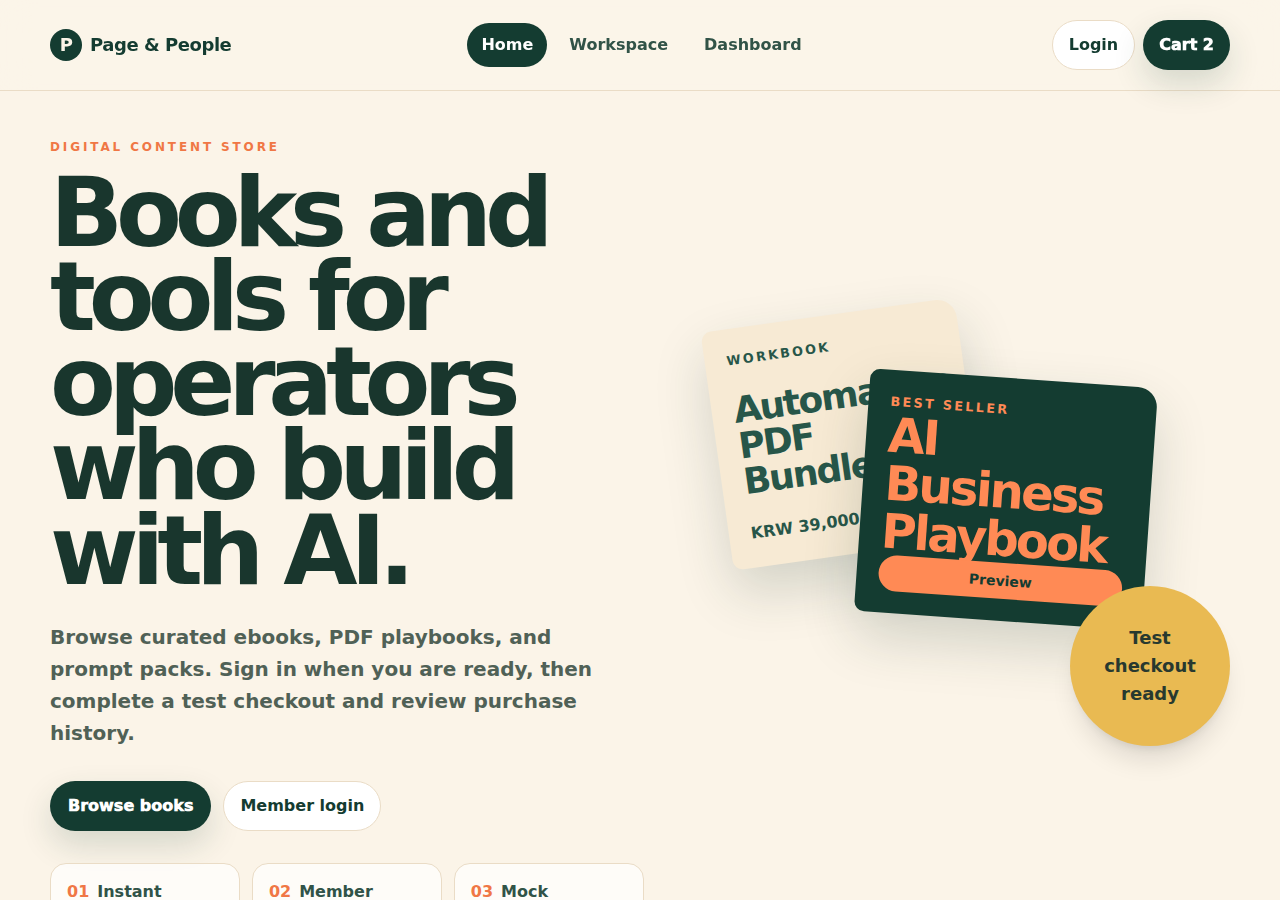
Digital commerce
Paper Trail bookstore
Browse, cart, test checkout, member library, and operator order management in one connected app.
Open appStart with a simple sentence. Build a real business app, keep improving it in conversation, and get practical help when a launch or day-to-day decision needs another set of eyes.
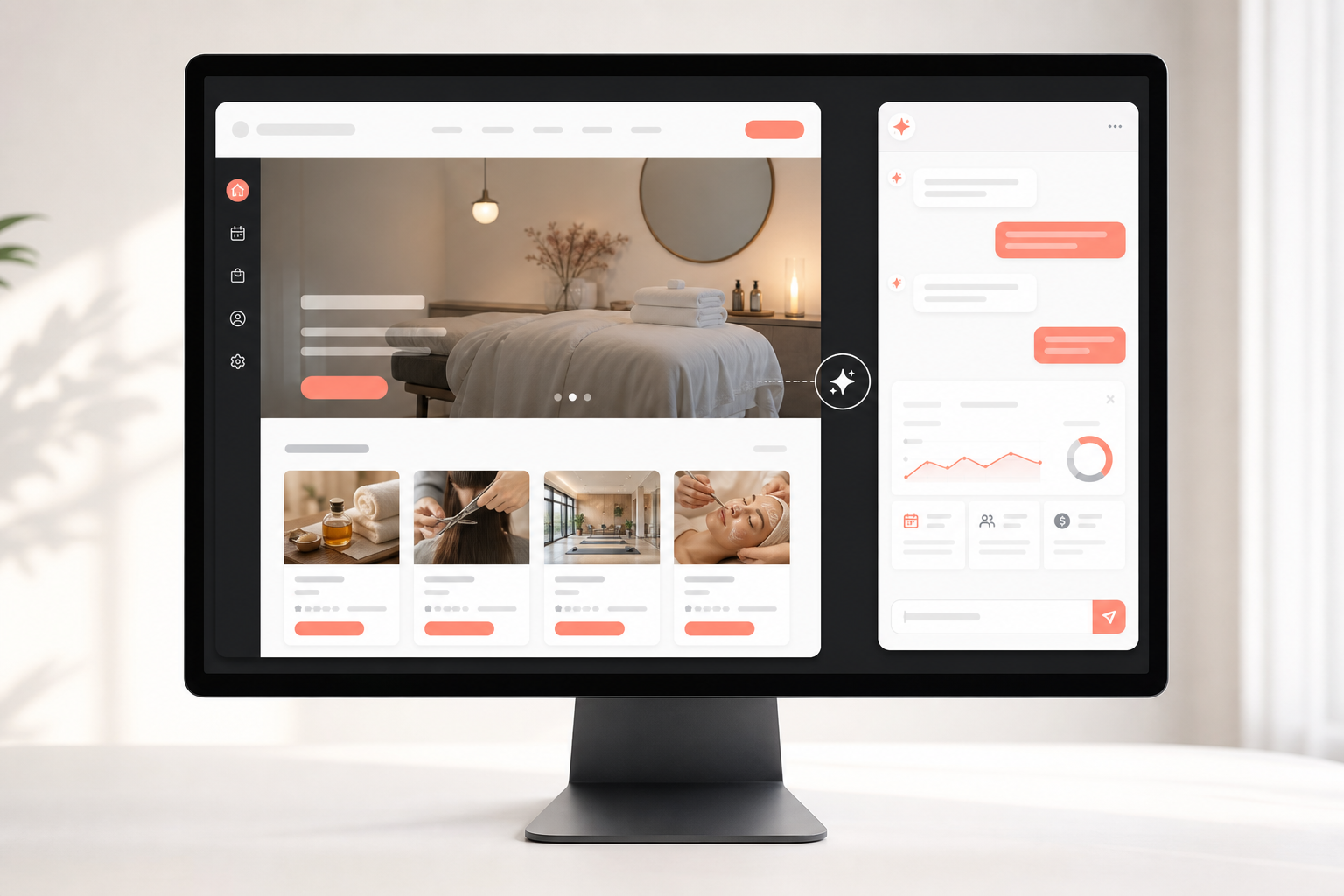

Guided hackathon
The guided workshop turns a short idea into a user, problem, and first workflow. You build the first version in conversation, test it, then use expert help for difficult steps such as payment, login, data connections, and release preparation.
Web app gallery
Choose a reference for structure and workflow signals, then adapt it to your own users, content, and business model in conversation.
Digital commerce
Browse, cart, test checkout, member library, and operator order management in one connected app.
Open app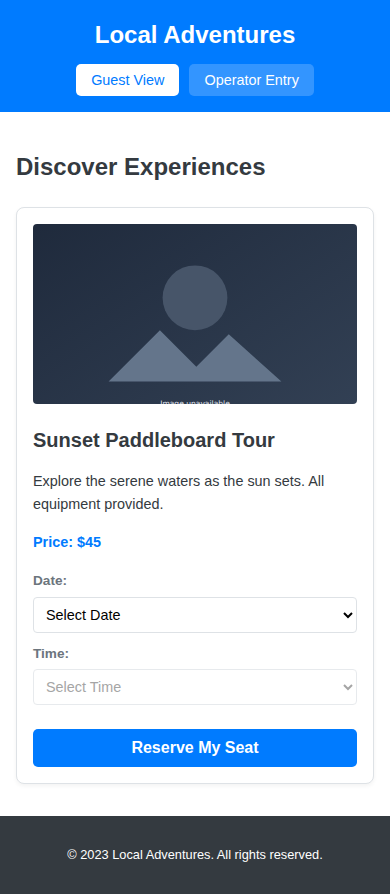
Local booking
Discover sessions, select availability, reserve with a test payment, then manage bookings and capacity.
Open app
Matching & operations
Match carers, request care, complete test booking, then operate provider, service, booking, and history records.
Open appResources
Use the onboarding guide to prepare a first request, study the gallery for reference signals, then continue improvements through the builder and support channel.
Onboarding
Prepare the user, problem, core flow, and first release scope.
Reference
Use gallery examples as structure and workflow references, not fixed templates.
Operating support
Get help when integration, launch, or a production change needs expert attention.
Build and operate
Use WindWalker to create a first working version, deploy it, test it, and keep improving it with support.